Laboratory 3: To be done in your lab section in the week of January 27
In this lab, you will be downloading several photos and manipulating them to
form
ficitious photos. The photos that you download will depend on what day your
section meets. You can always download the other images and manipulate them,
but you will be graded on the photos that were assigned for that particulary
day.
Photos to download:
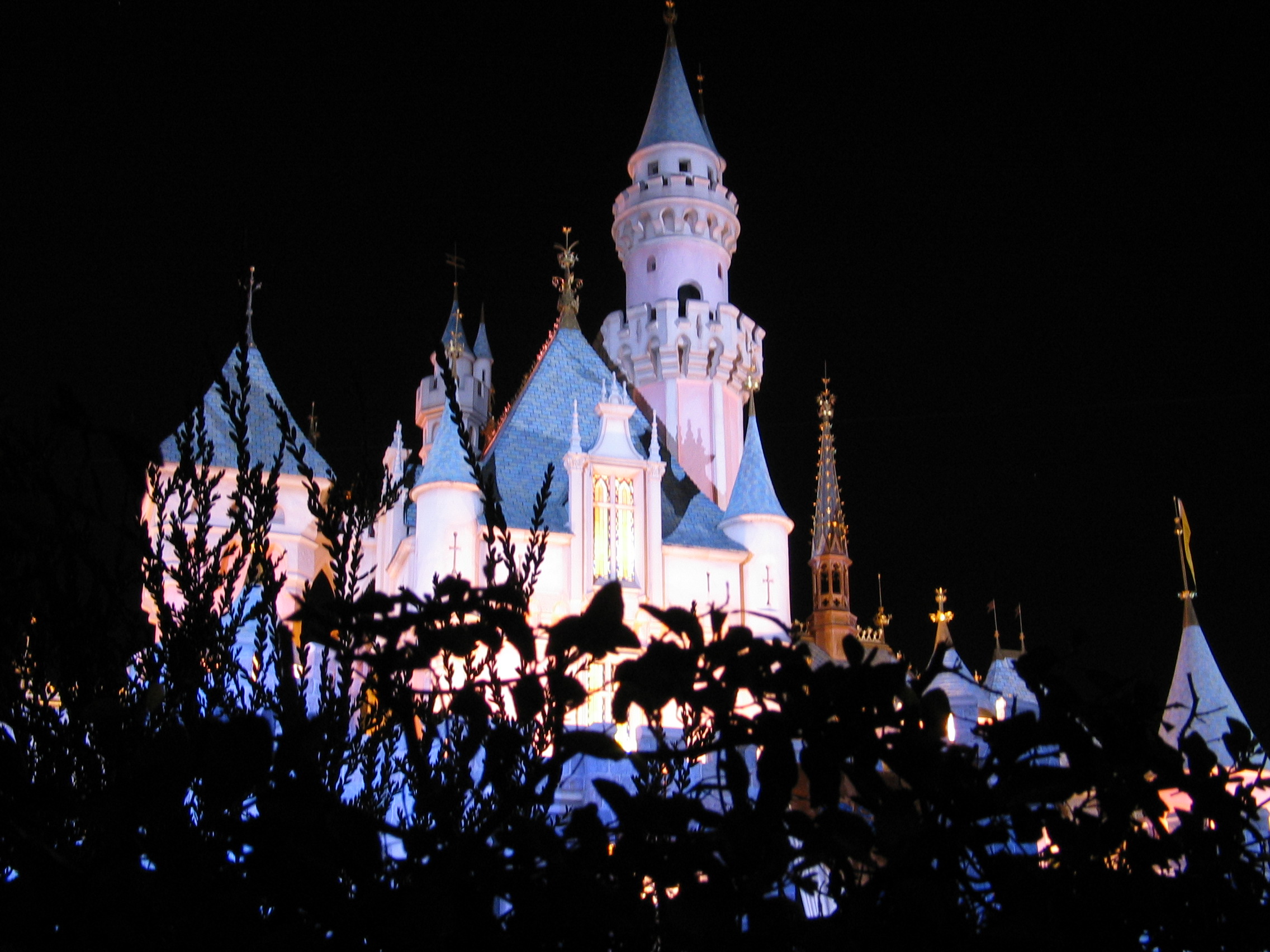
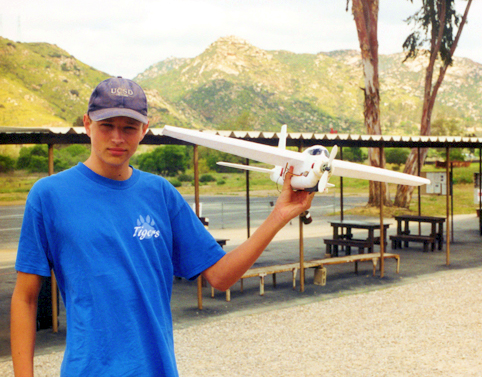
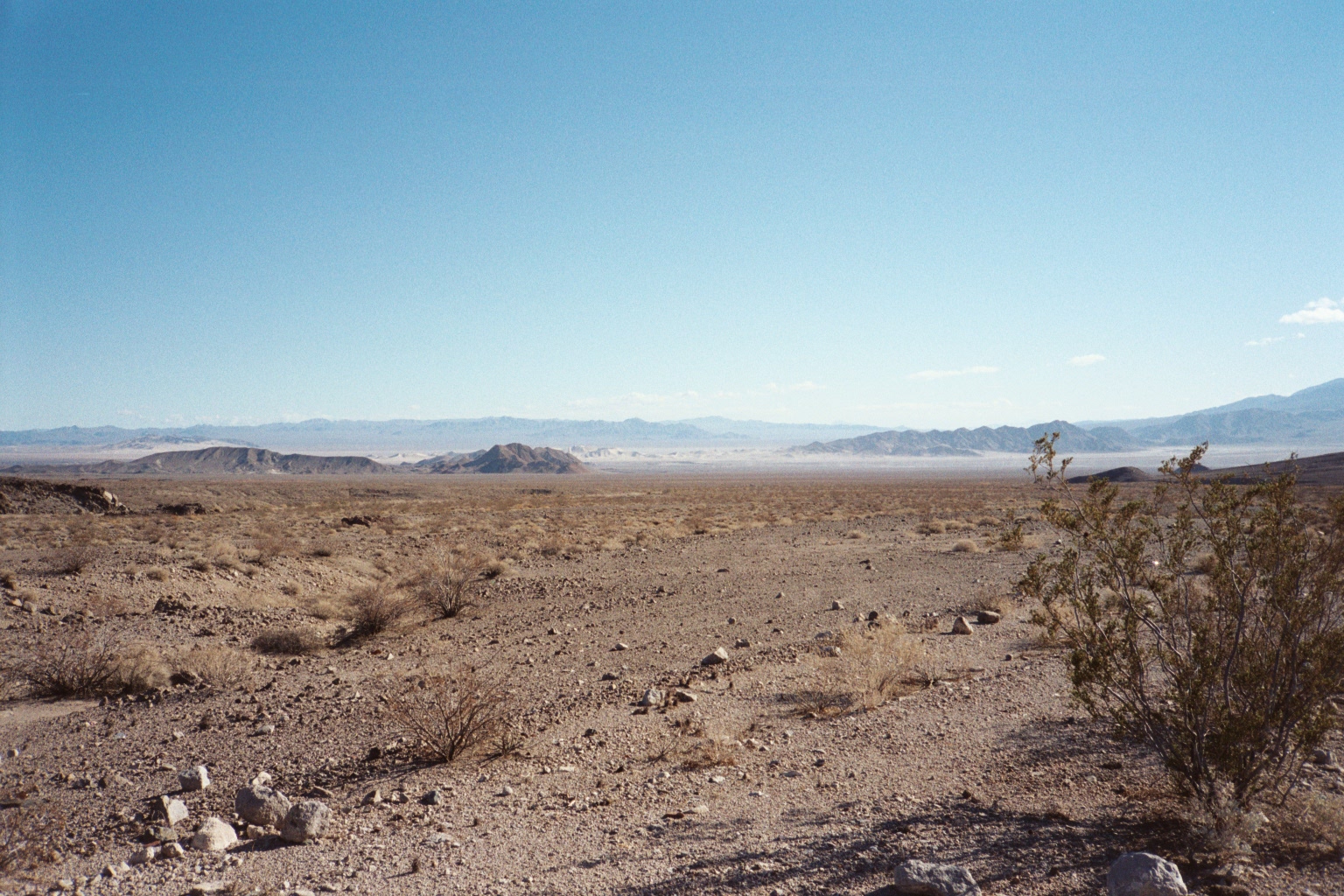
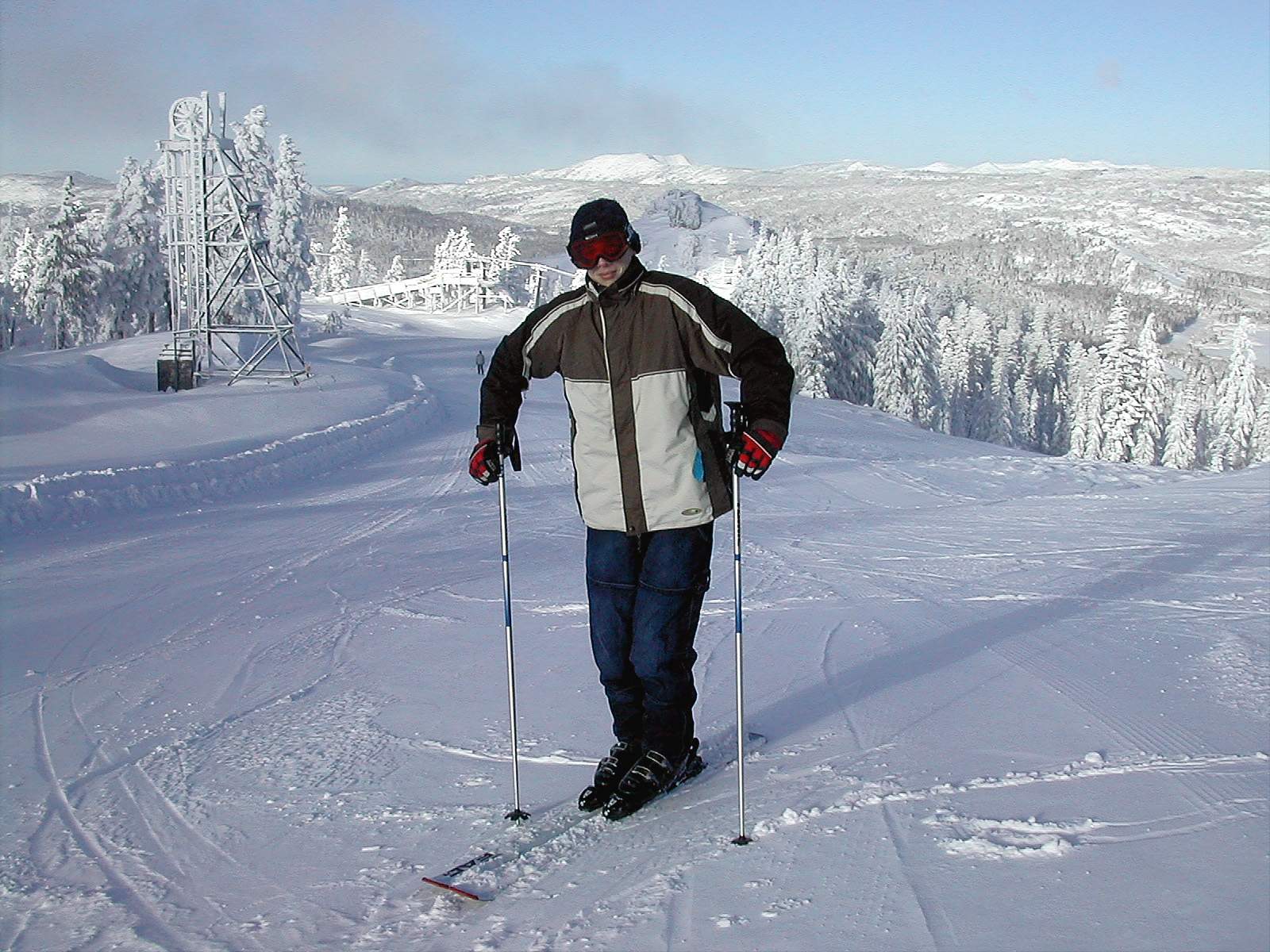
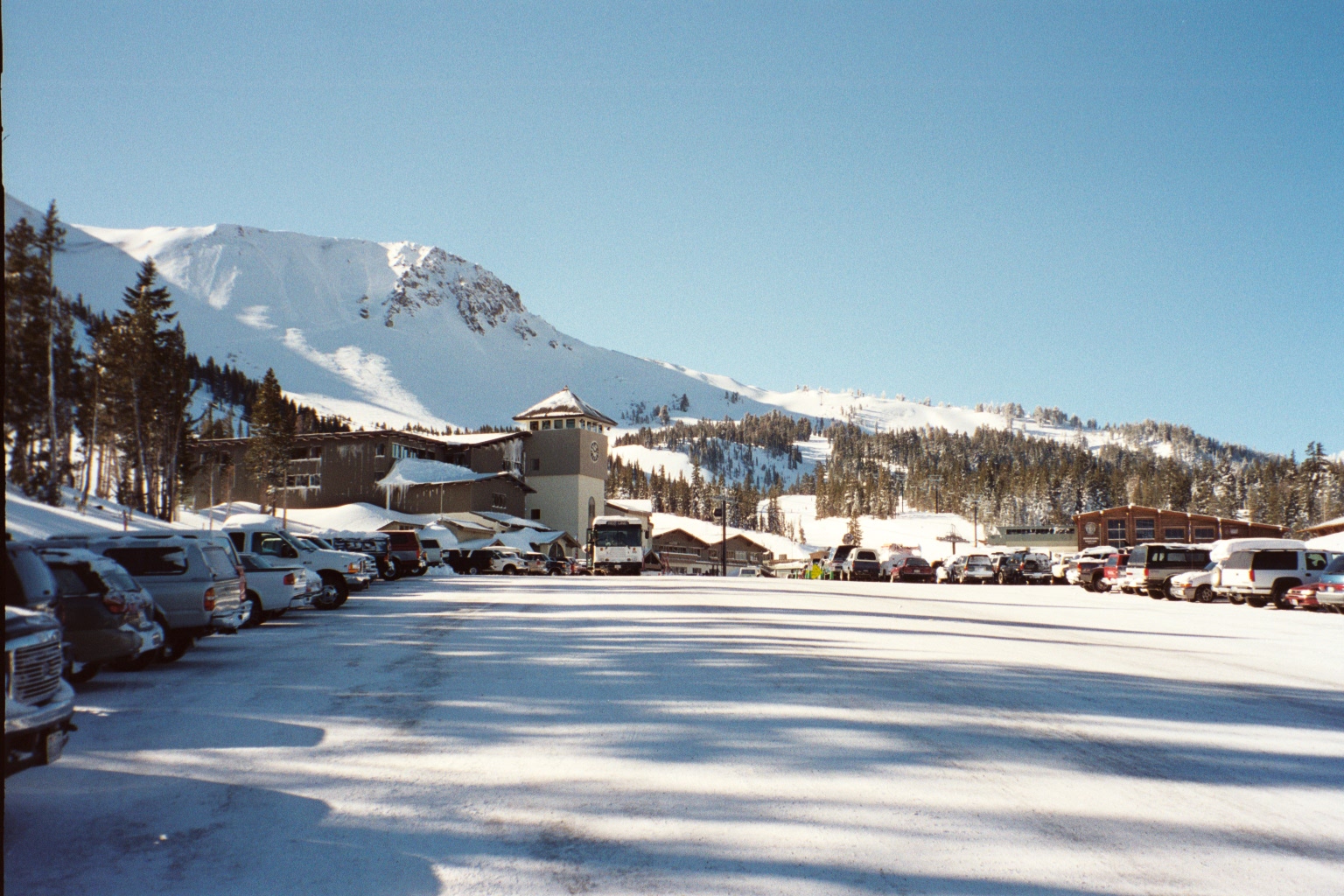
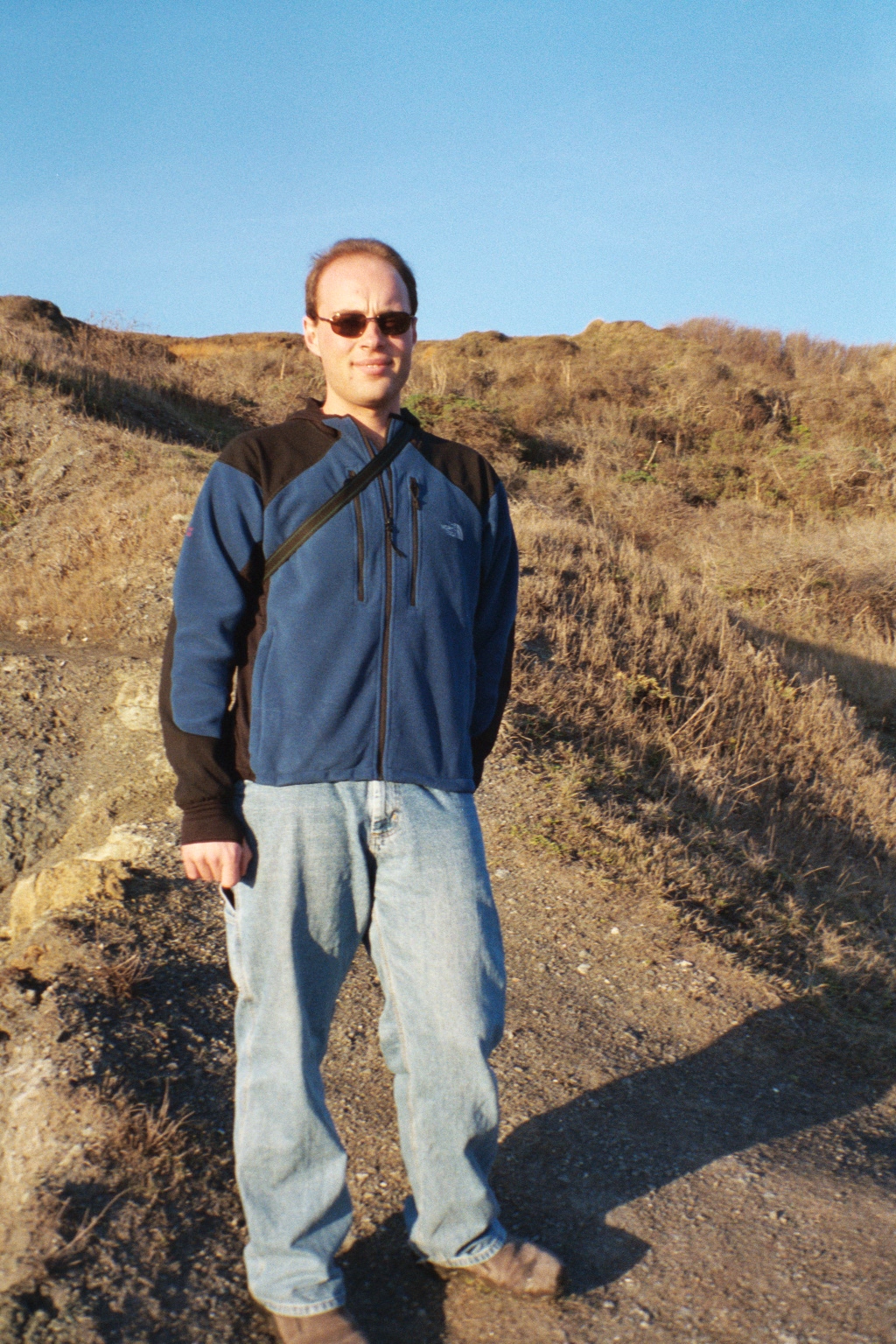
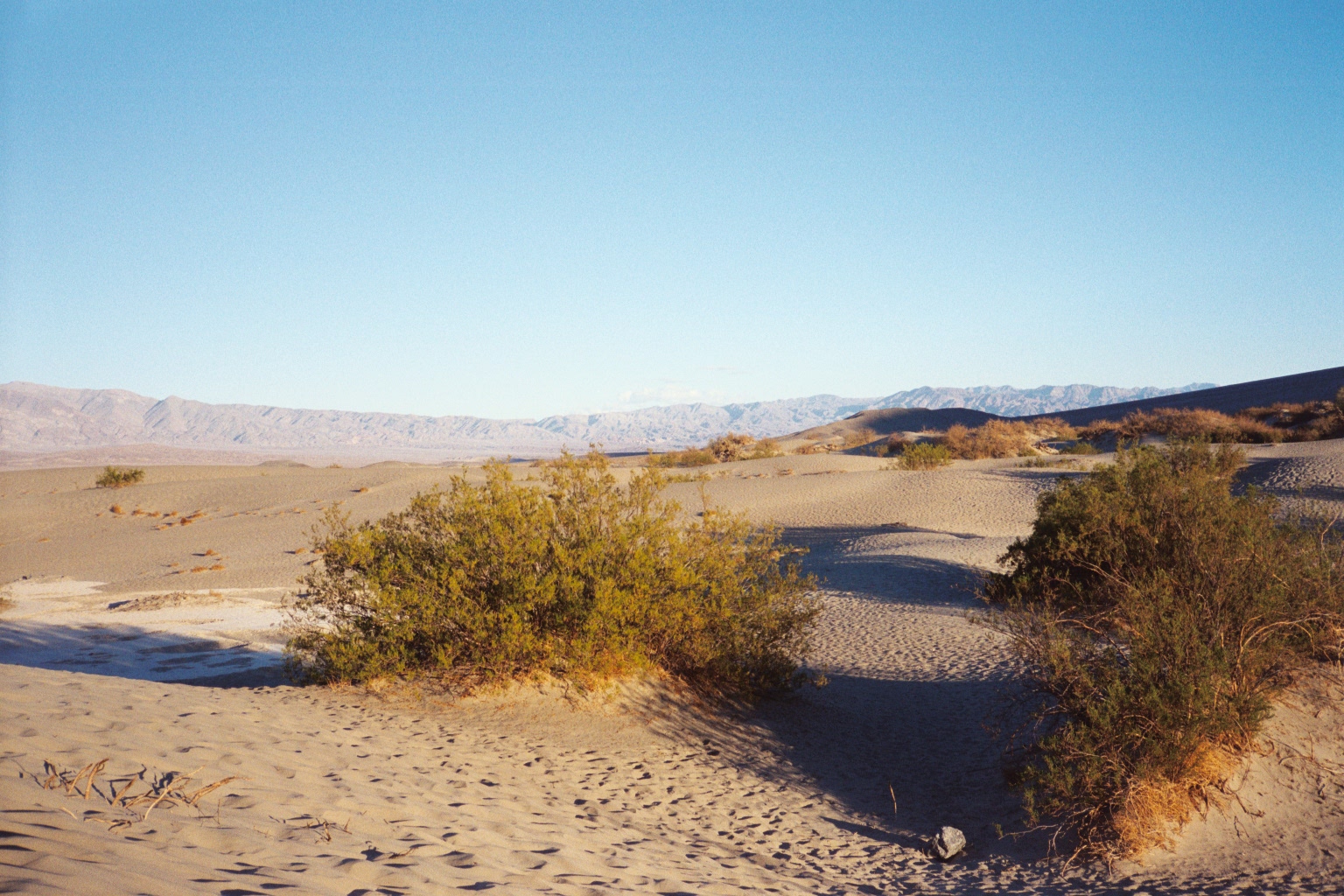
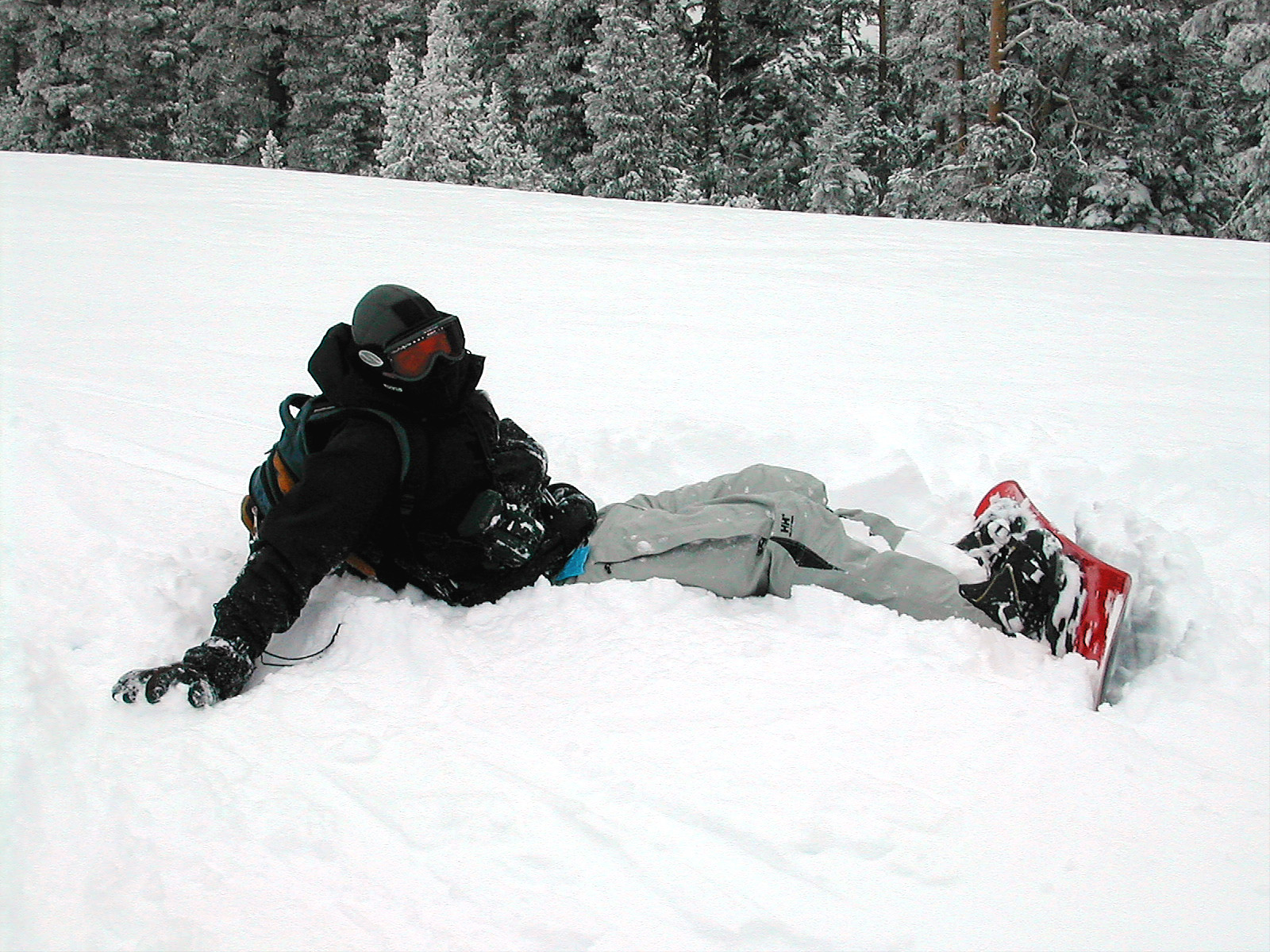
Monday: Photo1, Photo2,
Photo3
Tuesday: Photo1, Photo2,
Photo3
Wednesday: Photo1, Photo2,
Photo3
Thursday: Photo1, Photo2,
Photo3
Friday: Photo1, Photo2,
Photo3
You must do the following things to the pictures:
1.) Download all the required images for your particular day
2.) You will take the subject out of either photo1 or photo2 (whichever one
has a subject)
and place the subject into the other photo. Try to make the combined photo look
as
real as you can. Save this as a new file.
3.) Take photo3 and cut the head out of it. Now, replace the head of the subject
in
the combined photo with this cut-out head. Save this as a new file.
4.) Now adjust one of the combined photos so that the subject has either a
severed arm or leg. Remove the appendage from the body and make it look like
it is lying on the ground. (You can add additional gore if you so desire)
5.) Now play with some of Photoshop's Filters and filter either the entire
photo
or just parts of the photo.
6.) Show all these photos to your proctor for grading. If you have to email
them
to your proctor, please reduce the size (Image->Image Size) and then save
as
JPEGs.
Save your work to your cs3w__ account. You will find it useful in a future lab.
You will be graded on the basis of 0-10 as follows:
attendance (meaning attending essentially the entire 2 hours) 2 pts
Including all the required elements 6 pts
Quality of final photos 2 pts